

Create and assign a Member first
Complete Creating and Assigning a Member on the main account before generating any key. Key creation is scoped to a Member; skipping that step is the usual cause of the “No active member” error.
“No active member” error: If key creation fails with a “No active member” error, the account you are creating the key for does not belong to an active Member. Go back to Creating and Assigning a Member, add the account on the main-account level, then create the key while switched into the subaccount UID that will use it.
Starbase API key management is a sensitive operation. If your account has Two-Factor Authentication (2FA) enabled, you will be prompted for a security key confirmation. See Security Keys for details.
Front-end interface
1
Navigate to the Starbase Section
Open the Starbase section in the Account Panel.The Starbase section is separate from the standard API section. Make sure you are in the correct section.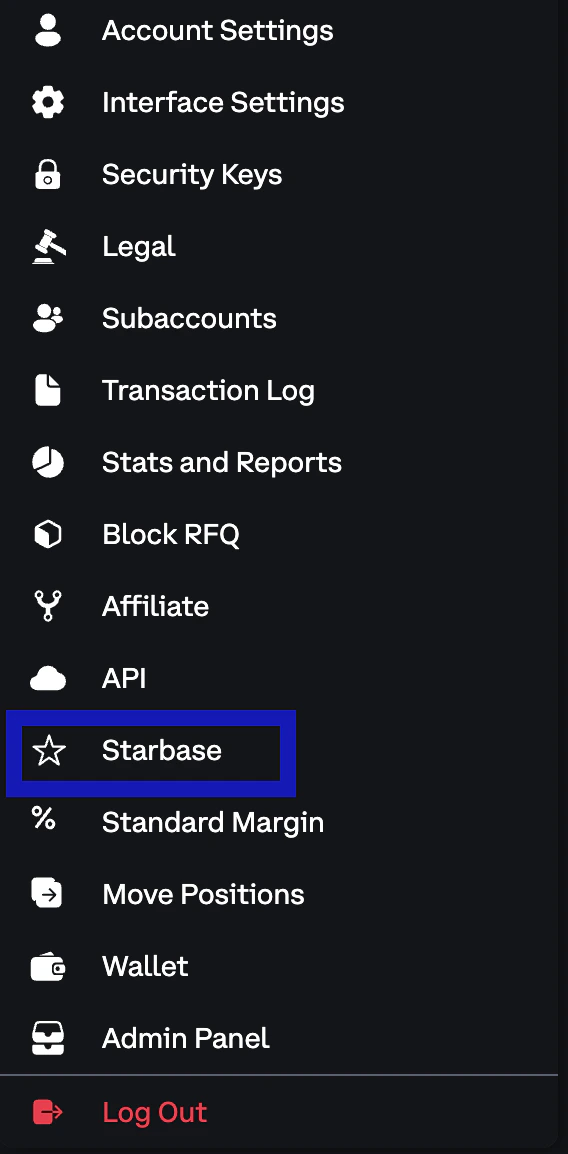
2
Create a New API Key
With the Member selected, press Add new key to open the key creation dialog.Provide an optional Name for the key, then select one or more scopes from the following: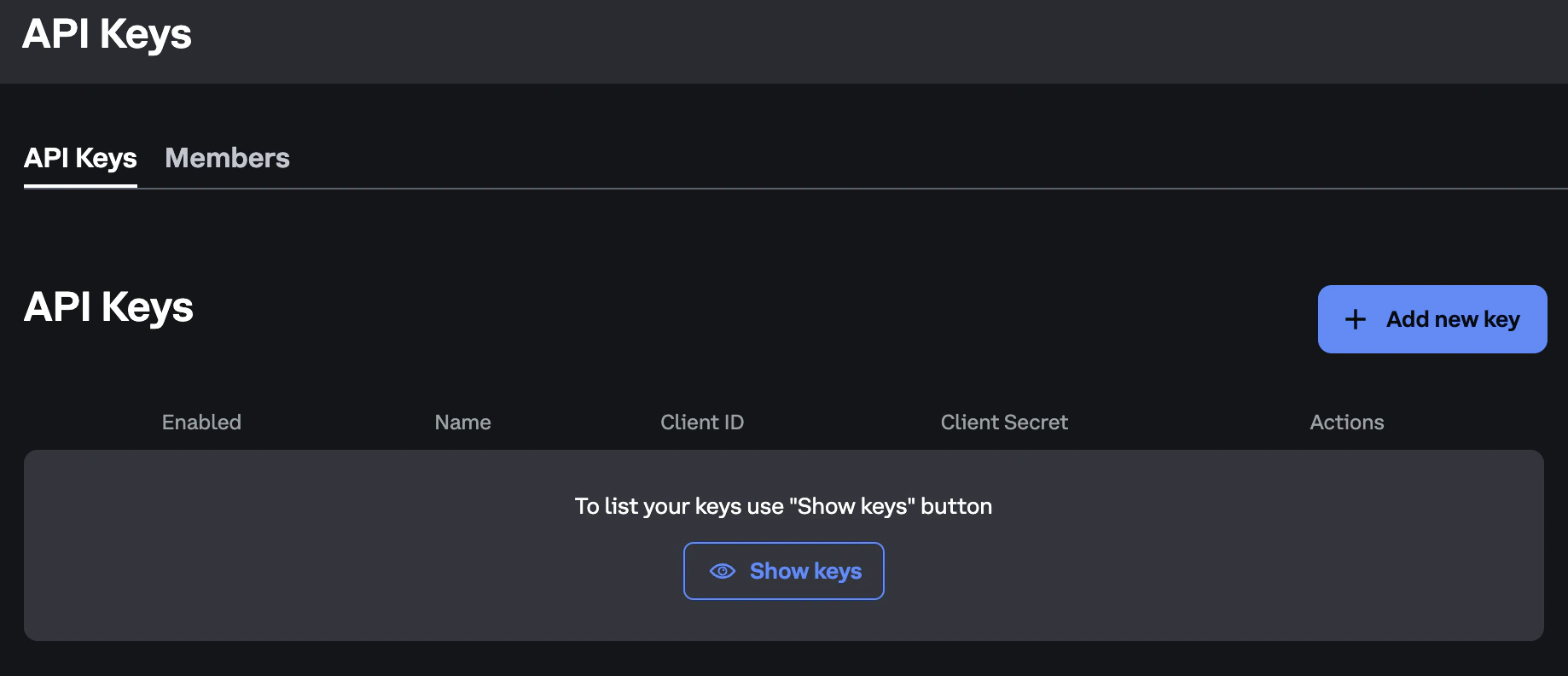
Scopes are not currently enforced on the REST gateway: any Starbase API key belonging to a direct-access-enabled portfolio can call every Starbase REST endpoint (order entry and portfolio management, including
cancel_all, lock_portfolio, and unlock_portfolio), regardless of the scopes selected here. Scope-based restrictions may be introduced in the future, so select the scopes that match the key’s intended use.Multicast market data and the retransmit API are unauthenticated. No API key or scope is required to subscribe to them.
3
Save Your Credentials
Once created, you will receive a Client ID and Client Secret.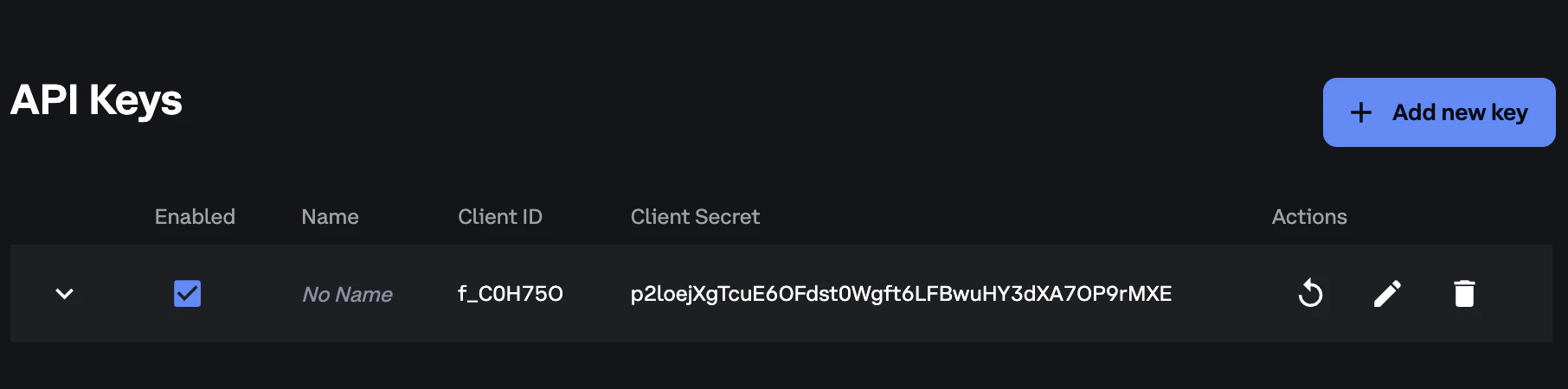
API key limits
Each subaccount can have up to 8 Starbase API keys. Because each gateway connection requires its own API key, plan your key allocation based on the number of gateway connections you intend to maintain. Each API key can hold one connection per gateway. With 5 gateway pairs, that is up to 10 simultaneous connections per key. Reconnecting the same key to the same gateway terminates the existing session. See Gateway Connectivity for the full connection rules. Starbase API keys use a separate counter from standard Deribit API keys. Starbase API keys do not count toward your standard API key quota, and standard API keys do not count toward your Starbase quota. A standard Deribit API key cannot authenticate to Starbase. You always need a separate Starbase key.Next steps
Creating and Assigning a Member
Required before any Starbase API key can be created
Gateway Connectivity
How API keys map to gateway connections and connection rules
Binary API Reference
SBE protocol structure, message headers, and data types
Placing a New Order
Submit your first order via the SBE Order Entry API
FIX Drop Copy API
Consolidated drop copy of all portfolio activity
Session Messages
Logon, logout, and heartbeat session message flows
Cancel on Disconnect
Automatic order cancellation on connection loss