

Who must belong to a Member
Add every main-account or subaccount UID that will trade on Starbase. A subaccount left outside every Member can still use the standard Deribit APIs, but it cannot authenticate to Starbase.Front-end interface
1
Switch to the main account
Open the Starbase section of the Account Panel while logged in as the main account. The Starbase section is separate from the standard API section.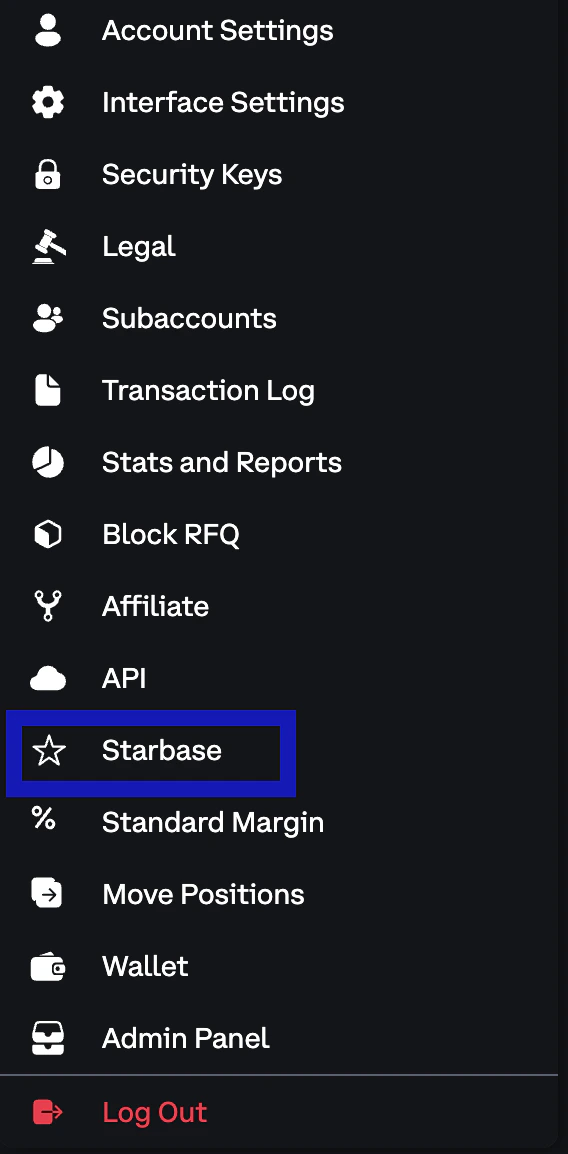
2
Add a Member
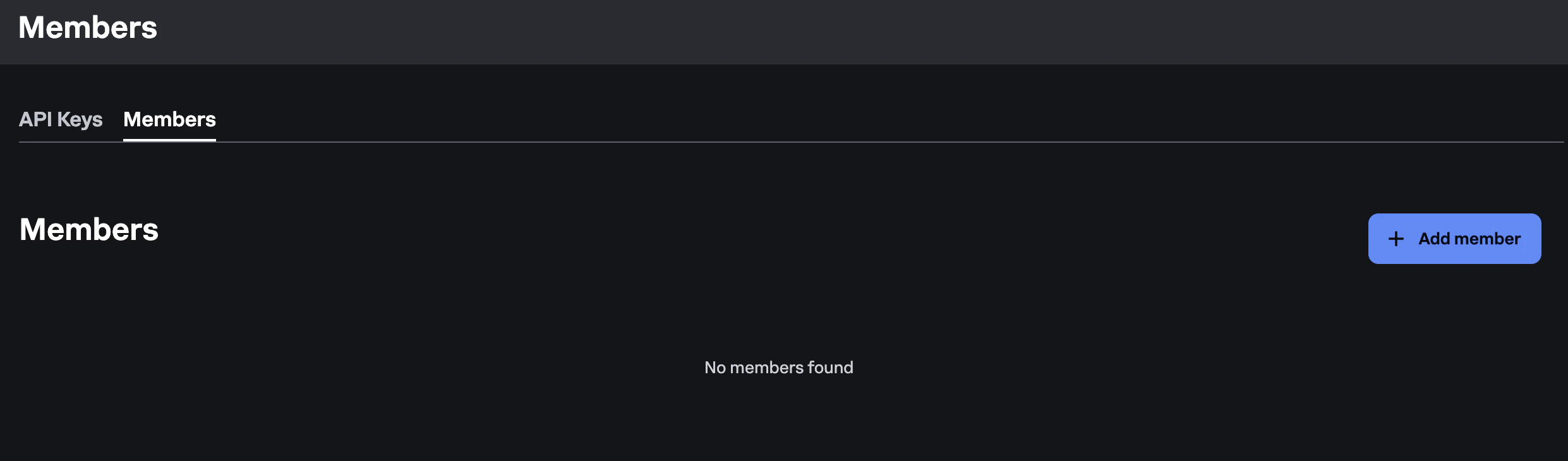
Click Add Member and fill in: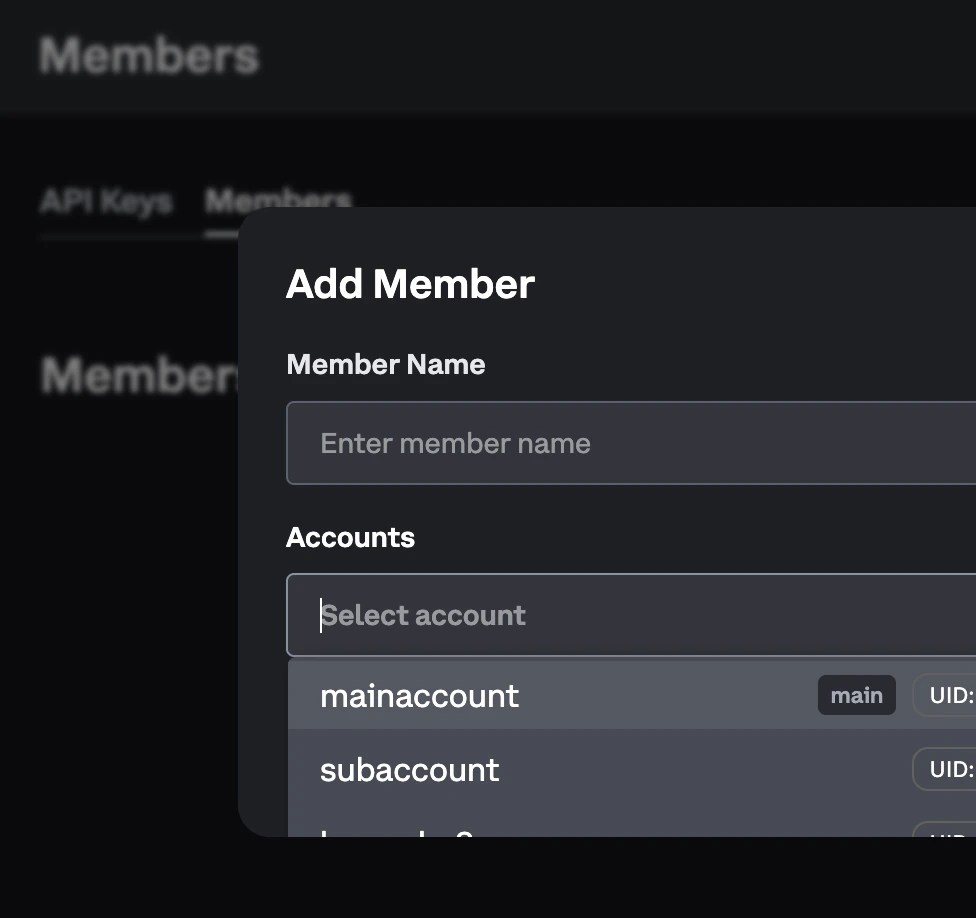
-
Member Name: a label for this Member (for example
Primary) -
Accounts: select every main-account and/or subaccount UID that should trade on Starbase
3
Assign any remaining subaccounts
If a subaccount was created after the Member, or was omitted from the first save, edit the Member and add its UID. API key creation is scoped to the Member that the current account belongs to, so assign the account before you create a key for that UID.
“No active member” error: Key creation fails if the target account does not belong to an active Member. Add the account to a Member first, then create the key while switched into the subaccount UID that will use it.
Create and assign a Member via API
Authorized main accounts can manage Members with the classic JSON-RPC API. Creating, updating, or deleting a Member requiresaccount:read_write, main-account authentication, and Direct Access trading to be enabled. Listing Members requires account:read.
Omit member_id to create a Member. accounts must be a non-empty list of UIDs:
member_id with the full replacement accounts list. Omitting accounts on an edit clears the Member’s accounts:
private/get_members. See also private/set_member and private/delete_member.
Toggling
is_active cannot be combined with a name or accounts change in the same request. A pure active-state toggle must resend the Member’s current name and accounts. A Member cannot be created inactive.Next steps
Creating a Starbase API Key
Create keys on each assigned subaccount after the Member exists
Account Model
How Members, portfolios, rate limits, and margin modes relate
Connectivity Quickstart
Continue from Member setup through gateway validation
Production Readiness Checklist
Confirm Member assignment for order entry